MacBook Air M4 Overheating? We Have the Fix
The M4 chip is powerful but the Air is fanless. Learn why it heats up and how to keep it cool.
Last updated
Quick answer
The MacBook Air M4 runs hot under heavy loads because it is fanless and cools only through its aluminium chassis, so video editing, rendering and the UAE heat push temperatures up. Apple Force in Dubai can clean the internals, check the thermal paste and tune macOS to keep it cool, with same-day service and a professional thermal assessment.
- 1. Service
- 2. Device
- 3. Details
- 4. Contact
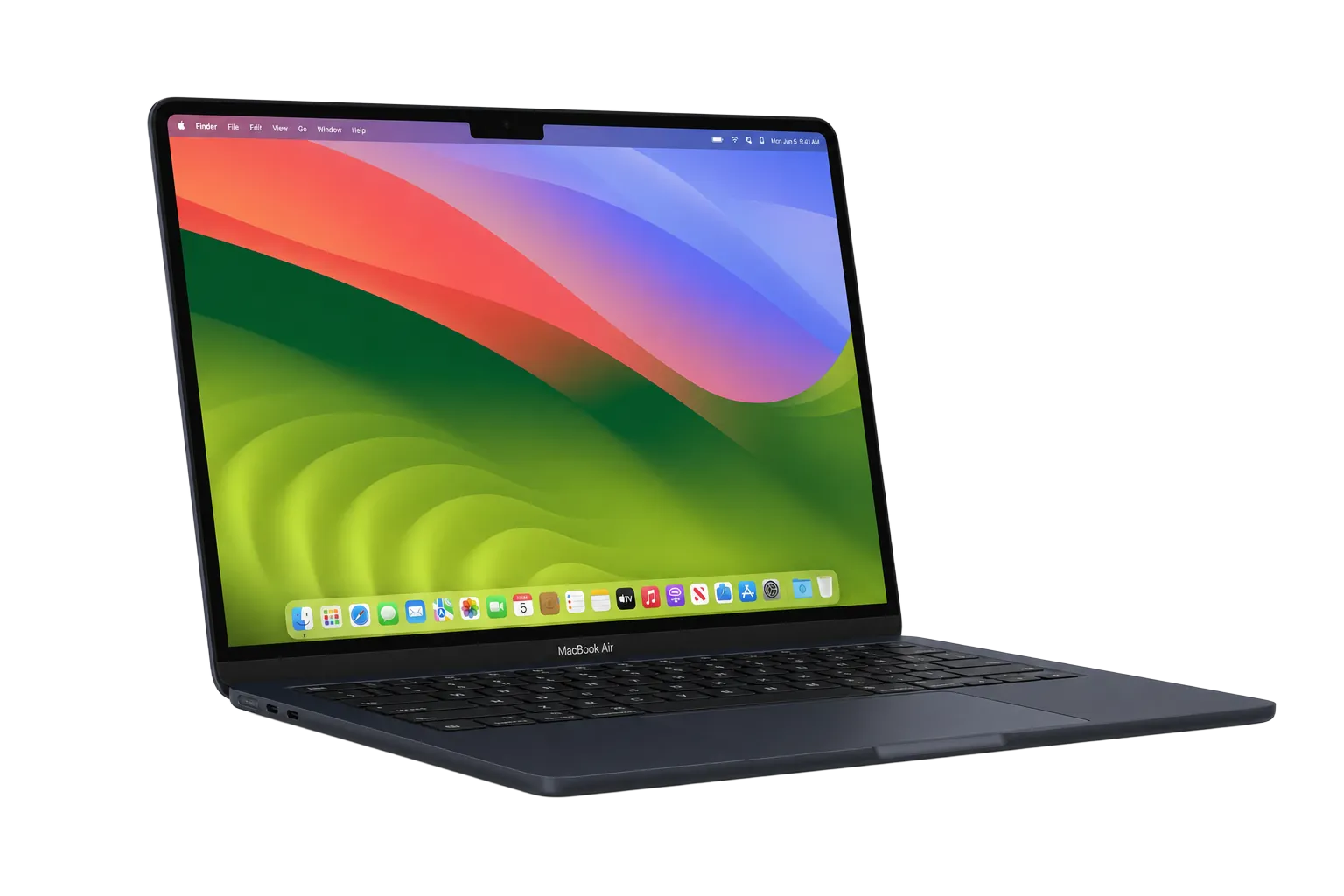
The MacBook Air M4 runs hot under heavy loads because it is fanless and cools only through its aluminium chassis, and Apple Force in Dubai can clean, repaste and tune it to keep temperatures down. The M4 chip is fast and thin, but with no fan it relies entirely on passive cooling. Under heavy workloads, that design leads to noticeable heat buildup that affects both comfort and performance.
If your MacBook Air M4 is getting uncomfortably hot or producing thermal throttling warnings, you are not alone. This is a known characteristic of the fanless Air design, but there are effective ways to manage it.
Apple Force has extensive experience with thermal management across all MacBook models. While the M4 Air does not have a fan to replace, we can optimise your system, clean internal components, and advise on keeping your device running cool.
Written by Bilal Khan, Senior Apple Hardware Technician
Board-level micro-soldering, liquid-damage recovery, 9+ years
Technically reviewed by Rashid Al Marri, Lead Technician, Apple Force Dubai · Last reviewed 12 June 2026
Why Choose Apple Force?
Why Does the MacBook Air M4 Get Hot?
The M4 MacBook Air is designed to dissipate heat through its aluminium unibody enclosure. Under normal use (web browsing, email, documents), it stays cool and quiet. But during intensive tasks like video editing, large file compilations, gaming, or running multiple demanding apps simultaneously, the chip generates more heat than the passive cooling can dissipate.
This is not a defect, it is a design trade-off. Apple prioritised silence and thinness over active cooling. The M4 chip is remarkably efficient, and in most real-world scenarios, the heat is manageable. However, certain environmental factors and usage patterns can make the problem worse.
- Heavy workloads (video editing, 3D rendering, gaming)
- Using the laptop on soft surfaces that block airflow
- High ambient temperatures common in the UAE
- Running too many applications simultaneously
- Outdated macOS or app versions causing excessive CPU usage
- Background processes consuming resources
How to Prevent MacBook Air M4 Overheating
While you cannot add a fan to the M4 Air, there are several effective strategies to minimize heat buildup and keep your MacBook running at optimal temperatures.
- Use on hard, flat surfaces to allow proper heat dissipation
- Use a laptop stand or cooling pad for improved airflow
- Close unused applications and browser tabs
- Keep macOS and all apps updated for thermal optimisation
- Reduce screen brightness and disable unnecessary visual effects
- Avoid using the device in direct sunlight or hot environments
- Monitor Activity Monitor for resource-hungry processes
Our Process
Bring Your MacBook
Visit Apple Force for a thermal assessment of your M4 Air.
Diagnostic Check
We check for software issues, background processes, and internal thermal conditions.
Optimisation
We clean the internals and optimise software for better thermal management.
Expert Recommendations
Receive personalized advice on keeping your M4 Air cool in the UAE climate.
Frequently Asked Questions
MacBook Air M4 Running Hot?
Get a professional thermal assessment and optimisation at Apple Force Dubai.